
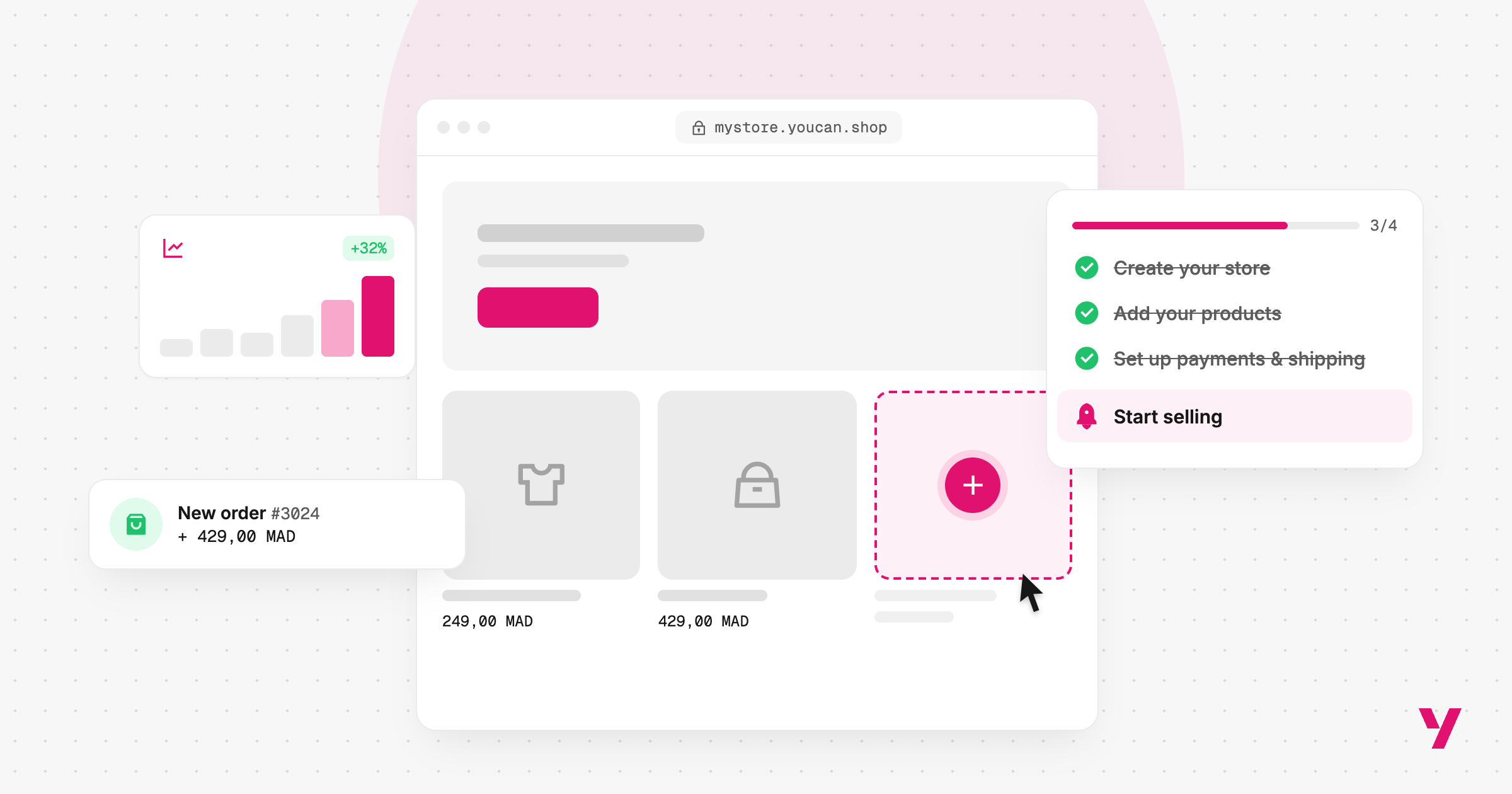
Imagine being able to launch your business project to customers around the world from a quiet corner of your home, without needing a physical store, a large team, or significant capital.
That is exactly what e-commerce makes possible today: choose a product you are interested in, create your online store in minutes, set up your payment methods, launch your marketing campaigns, and start receiving orders, all from one place.
This opportunity is no longer limited to experienced entrepreneurs or people with large amounts of capital. It is now accessible to anyone with an idea and the motivation to get started.
However, the ease of creating an online store does not mean that success happens automatically.
A successful online business starts with choosing the right product and understanding your market and customers. It then requires building a clear and easy shopping experience, followed by confirming orders, shipping them, and supporting customers after the sale.
In this guide, we will walk you through the key steps to start an e-commerce business from scratch, from choosing your idea and product to marketing, shipping, and customer service.
1. Choose the product you want to sell
The first step in starting an e-commerce business is deciding what you are going to sell.
The answer may seem simple, but choosing the right product is one of the most important decisions you will make because it can affect almost every other part of your business.
Instead of choosing a random product simply because you see it trending on social media, look for a product that solves a clear problem or meets a real need for a specific group of customers.
You can start by looking at:
- products you already know or have experience with;
- problems people are actively looking for solutions to;
- products gaining interest on social media;
- categories with existing demand but manageable competition;
- products that are easy to store and ship;
- products that offer a reasonable profit margin after marketing and shipping costs.
Choose a clear niche
Instead of creating a store that sells everything, try to define a specific niche.
For example, rather than creating a general home-products store, you could specialize in:
- home organization products;
- kitchen accessories;
- personal care products;
- children's products;
- car accessories.
Specializing can help you understand your audience better and create more relevant offers and marketing content.
2. Research the market
Once you have an initial product idea, do not immediately start buying inventory or launching ads. Begin with market research.
The goal is to determine whether there is real interest in the product, who your competitors are, and what the market already offers.
Research:
- the level of interest in the product;
- direct competitors;
- prices of similar products;
- customer reviews and feedback;
- strengths and weaknesses of existing products;
- how competitors present their products;
- questions and problems raised by customers.
You can also monitor search results, social media platforms, customer comments, and ads that appear repeatedly.
This stage helps you turn a general idea into a clear business offer: What will you sell? Who will you sell it to? And why should customers choose you instead of your competitors?
3. Define your target customer
It is not enough to say, “I want to sell to everyone.” Define exactly who you want to reach.
Think about:
- age;
- country or city;
- purchasing power;
- interests;
- preferred shopping habits;
- platforms they use;
- preferred payment methods.
The better you understand your customer, the easier it becomes to create product pages, content, and ads that speak directly to their needs.
4. Create your online store
Once you have defined your product, market, and target audience, it is time to create your online store.
At this stage, you need to set up the basics, including:
- your store name;
- logo and visual identity;
- homepage;
- product pages;
- categories;
- contact information;
- shipping and return policies;
- payment methods;
- shipping settings.
You can use a ready-to-use e-commerce platform to reduce the time and technical complexity involved, instead of building a store entirely from scratch.
With YouCan, you can create your store, add products, set up payments and shipping, and manage your sales from one platform.
At this stage, the goal is not to create a store packed with features. It is to build a clear and easy-to-use store that helps customers find the product they want and complete their purchase without unnecessary friction.
5. Add your products in a way that helps you sell
Adding a product to your store is not simply about uploading an image and adding a price. Your product page is one of the most important parts of the customer's purchase decision.
Make sure it includes:
Clear images
Use high-quality images that clearly showcase the product and help customers understand its details and how it is used.
If you do not have professional product photos, you can use the YouCan AI Image Generator to easily create attractive and professional product visuals without needing design or photography skills.
A clear title
Make the product name easy to understand and direct. Avoid titles filled with unnecessary words.
A compelling description
Instead of focusing only on product features, explain how the product can benefit the customer.
For example, instead of simply saying “excellent kitchen organizer,” explain the benefit: “This kitchen organizer helps you keep your utensils organized and make better use of your available space.”
Price and offers
The price should be clearly displayed, along with any available discount or promotion.
Shipping information
If shipping is free or additional fees apply, make this clear before the customer reaches the checkout stage.
6. Choose a suitable domain
Your domain name is your store's address on the Internet, so it should be easy to remember and type.
When choosing a domain, try to make it:
- short;
- easy to pronounce and spell;
- connected to your brand;
- as simple as possible;
- flexible enough to support your business as it grows.
You can now buy your domain name directly from your YouCan store dashboard with the extension that suits your needs.
Do not let the search for the perfect domain delay your store launch for too long. What matters most is choosing a clear name that fits your brand identity and can grow with your business.
7. Prepare a simple checkout
Once a customer is convinced by your product, the purchase process should be as easy as possible.
This stage is known as checkout, and it is one of the most sensitive parts of the customer journey.
Avoid asking for unnecessary information and make the steps easy to understand. The more complicated the checkout process is, the more likely customers are to leave before completing their purchase.
Make sure the following are clear:
- product and quantity;
- final price;
- shipping cost;
- customer information;
- payment method;
- order confirmation button.
8. Offer payment options that suit your customers
Once customers find a product they want, they can add it to their cart and complete their purchase.
However, payment preferences vary from one market to another. In some markets, particularly across the Arab region, Cash on Delivery (COD) remains an important option alongside online payments.
When setting up your store, try to offer payment methods that suit your target audience.
With YouCan, you can access multiple payment gateways, including custom payment methods.
9. Start marketing your store
Once your store is ready, you need to bring customers to it. This is where digital marketing comes in.
You can use different channels depending on your audience and the product you sell.
Meta Ads
Facebook and Instagram ads allow you to reach specific audience segments and test different ads and offers.
You can test:
- product image ads;
- short videos;
- UGC content;
- limited-time offers;
- ads directing customers to specific product pages.
TikTok Ads
If your product is suitable for short-form video content, TikTok can be a useful channel for testing content and reaching a new audience.
Organic Content
Marketing does not depend only on paid advertising.
You can create content on Instagram, TikTok, or YouTube that explains:
- how to use the product;
- which problems it solves;
- customer experiences;
- product comparisons;
- tips related to the product.
Do not rely on a single ad from the beginning. Instead, test different angles and compare their performance through A/B Testing to identify what performs best.
10. Monitor and confirm your orders
After launching your ads, you will start receiving orders.
This stage is especially important for stores that use Cash on Delivery.
If orders require confirmation, contact the customer to verify the order details and address before sending the order for shipping.
Handling this process quickly and accurately can help reduce shipping issues related to unconfirmed orders and organize orders before they are handed over to the delivery company.
The more orders you receive, the more important this process becomes.
You can learn more about YouCan Confirm here.
11. Prepare your shipping process
Once an order has been confirmed, it is time for shipping and delivery.
Choose a shipping company or solution that fits the market you are targeting, while considering:
- shipping costs;
- delivery time;
- geographical coverage;
- package tracking;
- return handling;
- Cash on Delivery collection.
If you sell across multiple cities or regions, make sure you know which areas you can deliver to and the costs associated with each area.
Clear shipping information on your store also helps set customer expectations before they complete their purchase.
At this stage, we recommend learning more about YouCan Ship.
12. Don’t stop at the sale: focus on after-sales service
E-commerce does not end once the product has been delivered. Customer service and after-sales support are an important part of the customer experience.
After the purchase, you can:
- track the package status;
- answer customer questions;
- resolve issues quickly;
- explain your return and exchange policy;
- ask customers for a review after receiving their product.
A customer who has a positive experience may purchase from you again and recommend your store to others.
13. Track your results and keep improving your store
After launching your store and receiving your first orders, the work is not over.
Analyze your data to understand things such as:
- the number of store visits;
- products receiving the most interest;
- add-to-cart rate;
- number of Checkouts;
- number of orders;
- customer acquisition cost;
- order confirmation rate;
- delivery rate;
- products generating the best profit margins.
This data helps you identify where problems exist and how you can improve your business.
If your store receives a high number of visitors but few orders, you may need to review your product page, price, offer, or Checkout.
If you receive many orders but have low confirmation or delivery rates, you may need to improve your confirmation or shipping process.
E-commerce is therefore an ongoing process of testing, analyzing, and optimizing—not simply creating a store and waiting for sales.
Most importantly, you do not need to do everything perfectly from day one.
Start with a clear product, understand the market you are targeting, create a simple and easy-to-use store, test the buying process, then start marketing and monitor your results.
Over time, you can improve your products, offers, ads, customer experience, payment methods, and shipping processes based on the real data generated by your store.
This is how you can move from simply having an e-commerce idea to building a real online business that can grow and scale over time.